
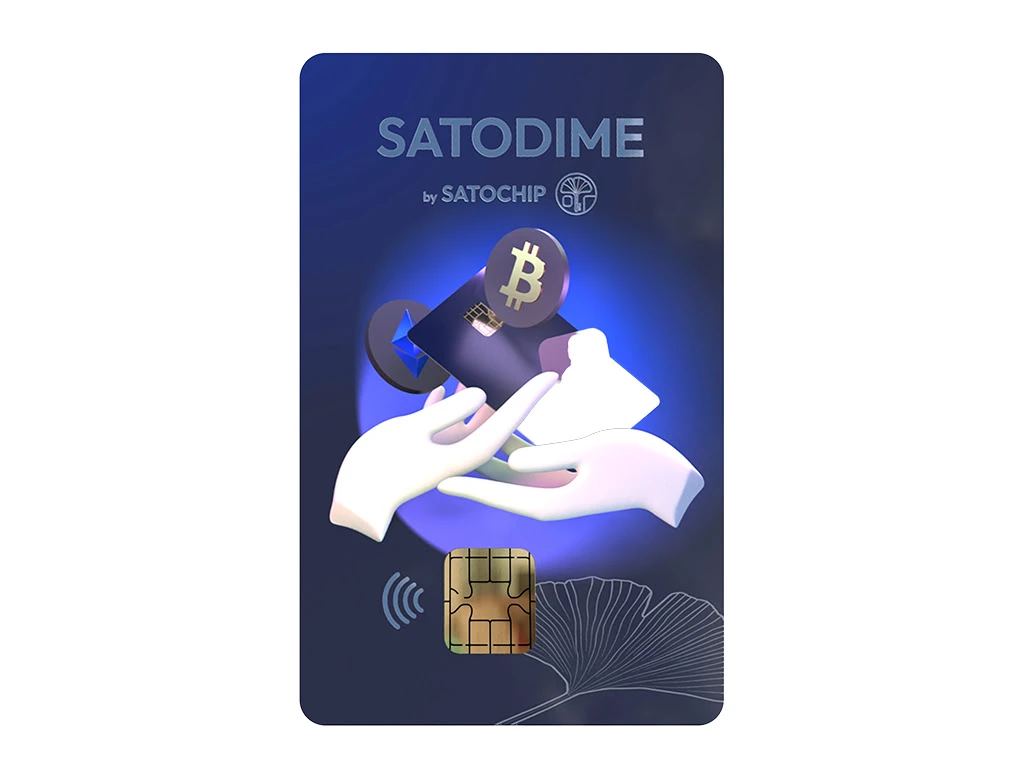
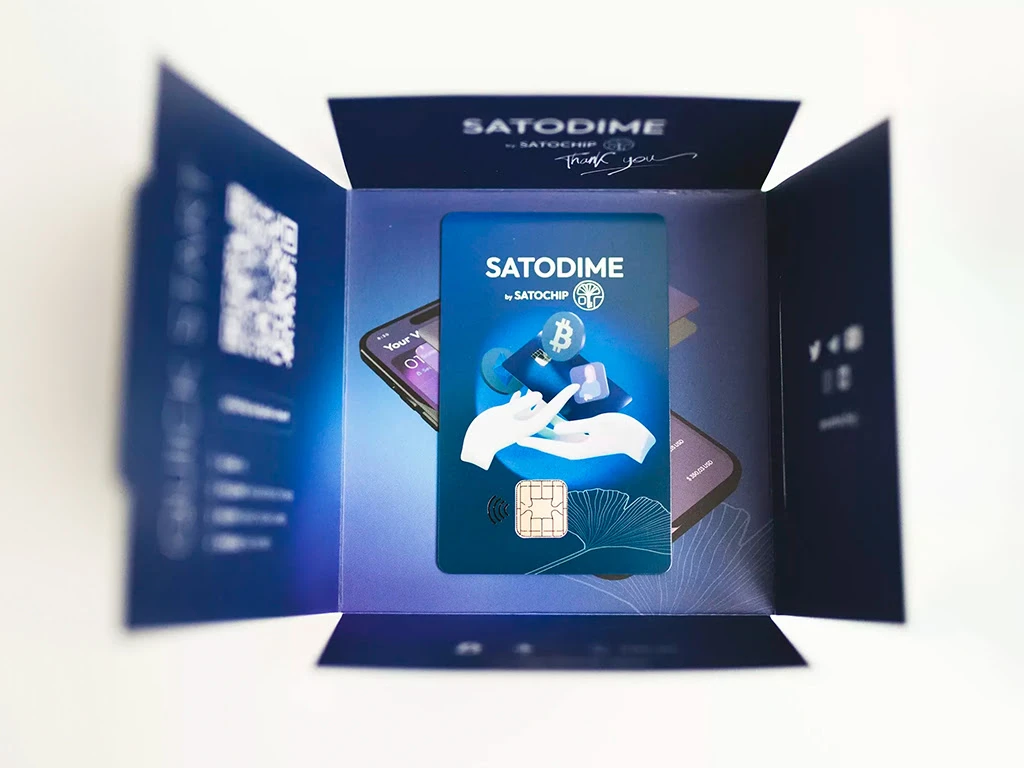
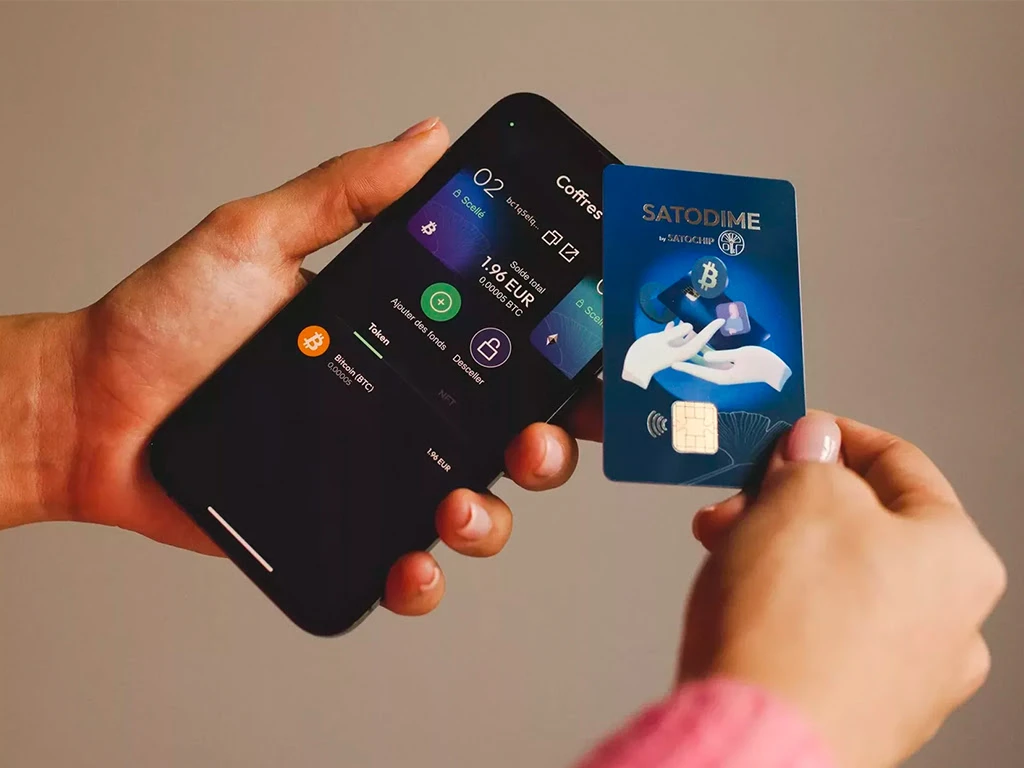
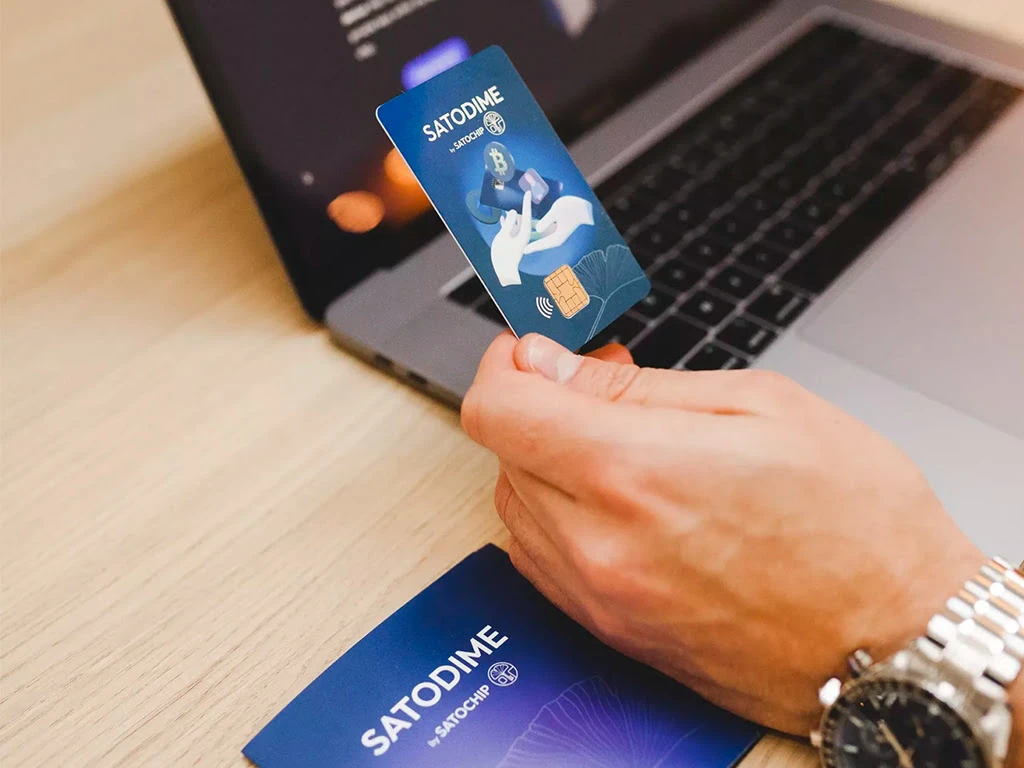


The Satodime card from Satochip is the best solution for transferring digital assets through physical hand-to-hand card transfer, gifting or otherwise.
What is the procedure for using:
- connect the card via NFC (or the so-called NFC card reader) to the application https://satochip.io/quick-start/satodime/.
- create a repository and get the public keys (crypto-asset addresses) of digital assets you need. You can create 3 separate vaults at the same time, and an unlimited number by closing them before that.
- transfer the amount of funds you need to these addresses.
- there are two options for physically transferring the storage https://satochip.io/setup-use-satodime-on-desktop/ :
1) via a mobile phone - the recipient installs the same application https://satochip.io/quick-start/satodime/, the holder on his mobile phone initiates the transfer of storage from phone to phone, and gives the card.
2) connecting a smart card reader (usb) through a computer - the holder simply gives the card to the new owner, who installs the program https://satochip.io/setup-use-satodime-on-desktop/ on his computer, connects the card through the card reader and gets full control.
- You have a Satodime card that contains cryptocurrencies and you would like to receive these funds into your personal wallet. In other words, you want to export your vault's private key to another software program, such as Electrum, Metamask, MyEtherWallet, Sparrow Wallet, or even Blue Wallet (mobile).Just follow the guide.
- after opening the vault and private keys, the vault indicator will change from green to red. A green indicator indicates that private keys have never been requested. Red that the vault has already been opened.
- at the stage of opening the created storage (as you will see your private keys), it is recommended to withdraw funds using third-party wallets as soon as possible (read above). Because your keys will be displayed on the phone or computer screen, which is a vulnerable and dangerous option for using them in the future.
Crypto asset support:
- Bitcoin
- Counterparty
- Litecoin
- Bitcoin Cash
- Ethereum and the ERC-20 tokens + NFTs
- Polygon + NFTs


